PSX Horror FPS Controller For Unity 6
A downloadable asset pack
This asset is a player controller designed for PSX/PS1-style horror games in Unity 6.
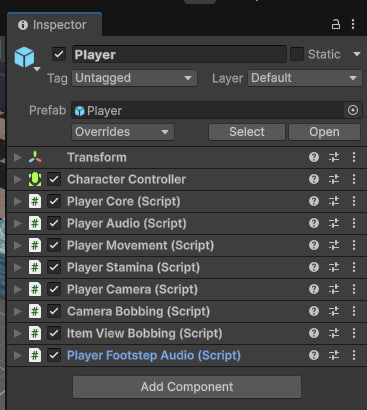
It includes the following mechanics:
- Walking and running
- Crouching
- Jumping
- Stamina
- Camera bobbing while moving
- Held-item bobbing and sway while moving
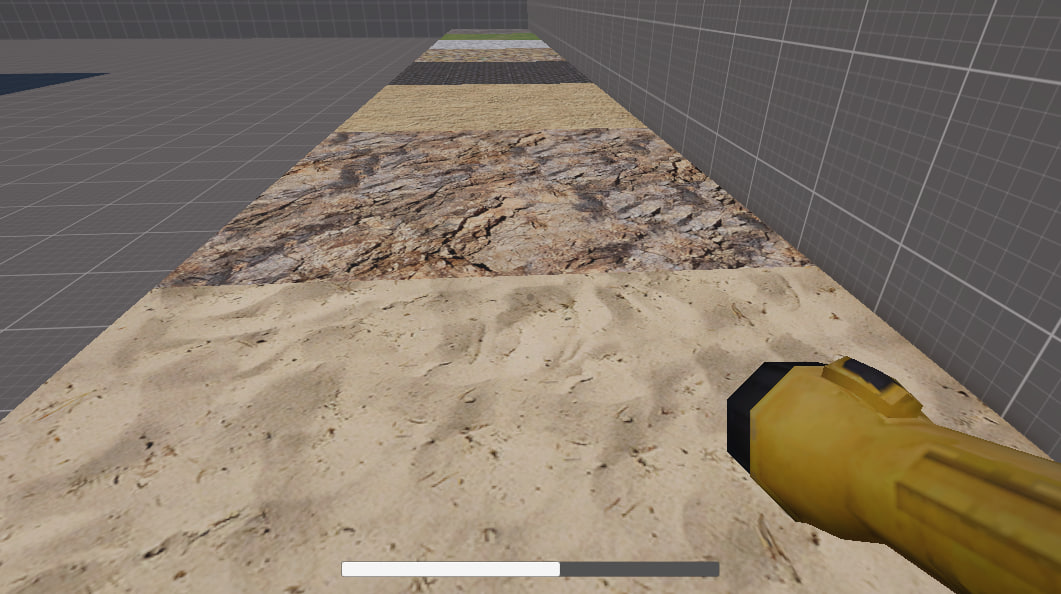
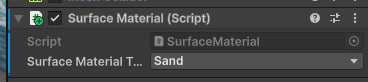
- Footstep sounds based on the surface type
- Different footstep sounds depending on movement speed
I wasn't trying to recreate the movement of games from that era. Instead, I aimed to find a balance that leans toward modern gameplay.
This asset is part of an upcoming template for developing PSX/PS1-style horror games in Unity 6.
Download
Click download now to get access to the following files:
Comments
Log in with itch.io to leave a comment.
This seems really cool, looking forward to seeing the template you're working on that this is a part of!
Wanted to give you a heads up, when running the asset via the web player on Itch, when you jump onto one of the platforms that's supposed to play different footsteps, the asset freezes and you get the following error message (on Firefox anyhow):
An error occurred running the Unity content on this page. See your browser JavaScript console for more info. The error was:
RuntimeError: index out of bounds
I also sometimes get a bug where the camera cannot move to the right, only to the left.
Just wanted to flag these for you as you're working on the PSX horror template! Hope it goes well :)
Thank you for the feedback! I really appreciate you letting me know about this.
I honestly didn’t notice this issue during my testing, so thank you for pointing it out. I’ll look into it and get it fixed as soon as possible. The fix should be included in an update soon.
As far as I can tell, the issue is specific to the WebGL/browser build. It does not occur in the Unity Editor or in standalone builds, so it shouldn’t affect the asset when used in a regular build.